 IQChess

For teachers
Create classes, share a join code or link, assign lessons and puzzle sets, and see completion and scores. A weekly email summarises each class, and report cards and certificates are one click.
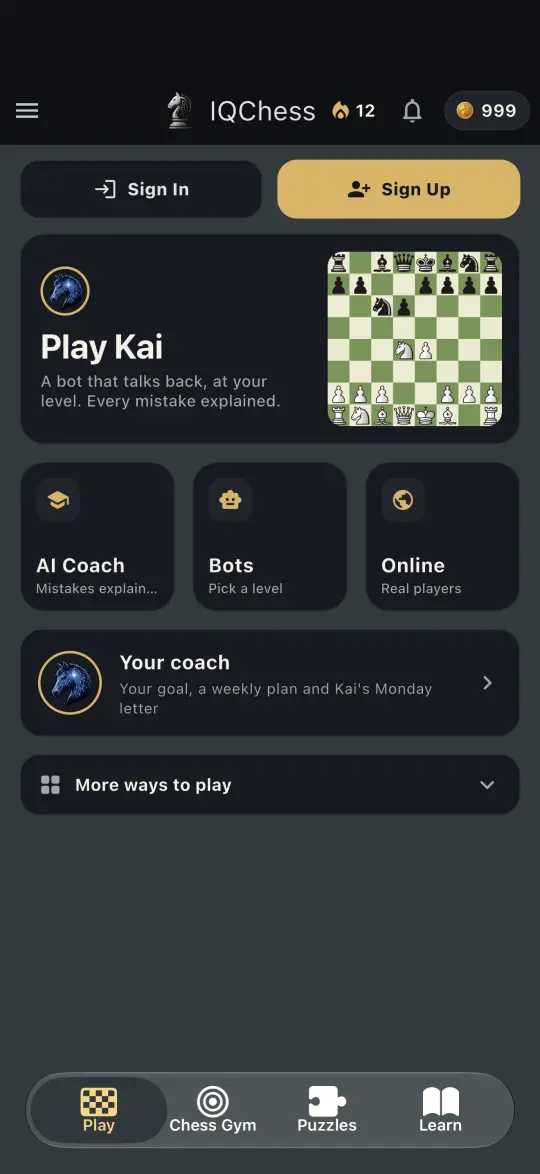
IQChess for Schools gives teachers and chess clubs a class dashboard: who practised, each student's weak spots, assignments, live lessons on every screen at once, timed puzzle exams and class tournaments, with kid-safe class accounts for children without email.
Free on iPhone, Android and the web · 20+ languages
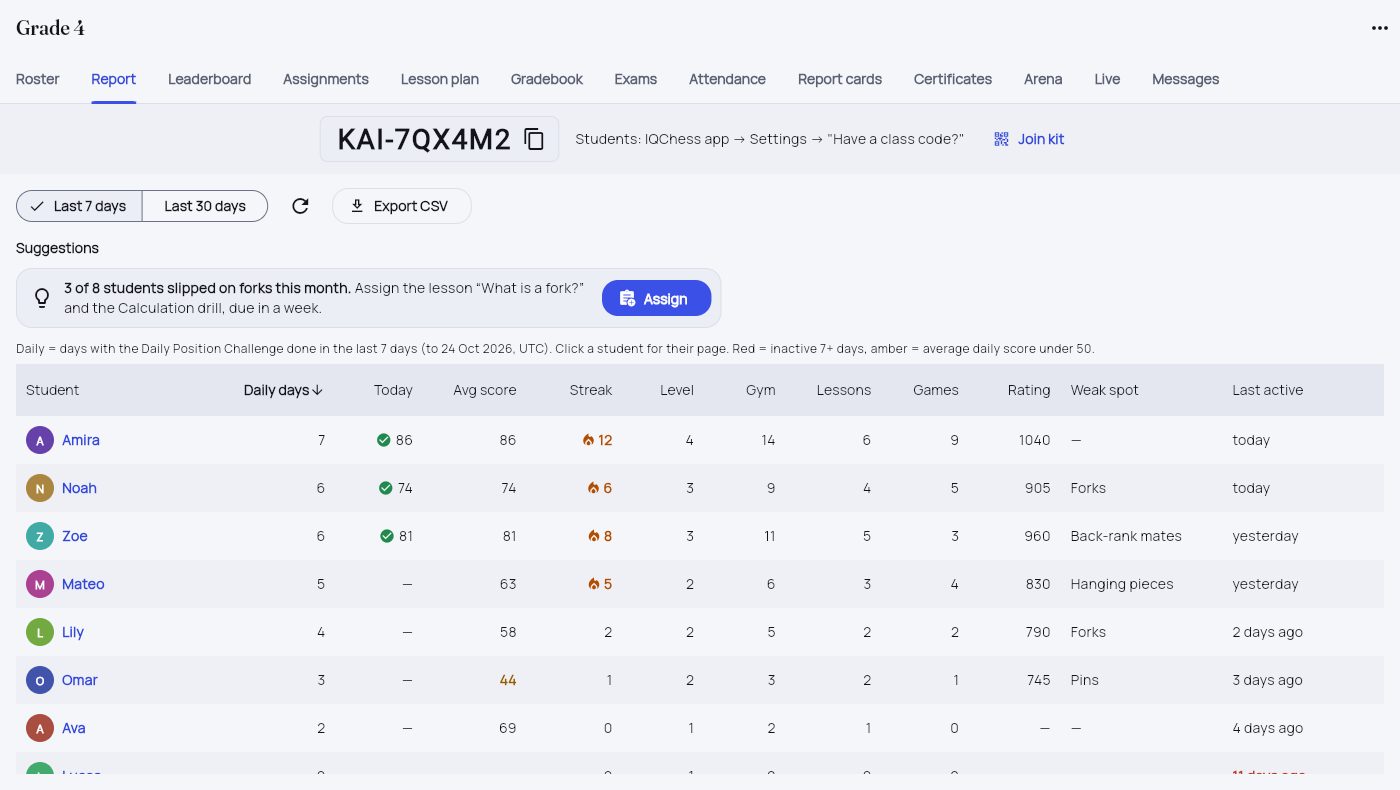
Teach chess to a class: a dashboard of who practised, weak spots, assignments, live lessons and tournaments. Kid-safe accounts. Free pilot.
Create classes, share a join code or link, assign lessons and puzzle sets, and see completion and scores. A weekly email summarises each class, and report cards and certificates are one click.
Schools start in kid-safe mode: students only play classmates, AI chat is the teacher's choice, and children can sign in with a class account or a QR card instead of an email.
A seat is a student for a year: US$49.99 per seat, or US$29.99 in many countries, minimum 10 seats, with a free 30-day pilot of 10 seats and no card. A seat without AI features costs US$6.99 (minimum 50).
Real IQChess screens. Swipe, or tap one to see it full size.
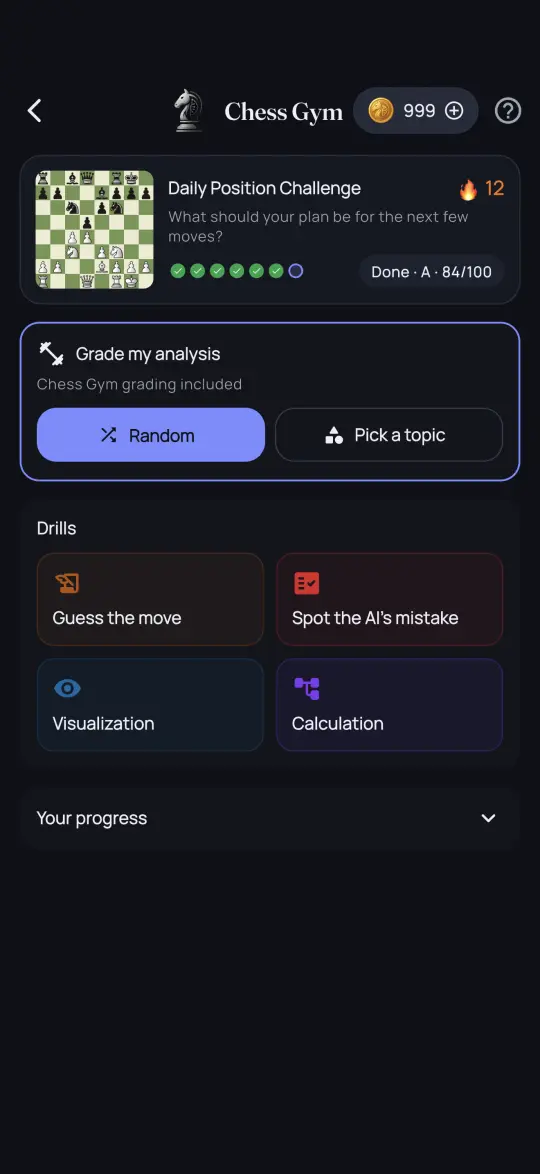
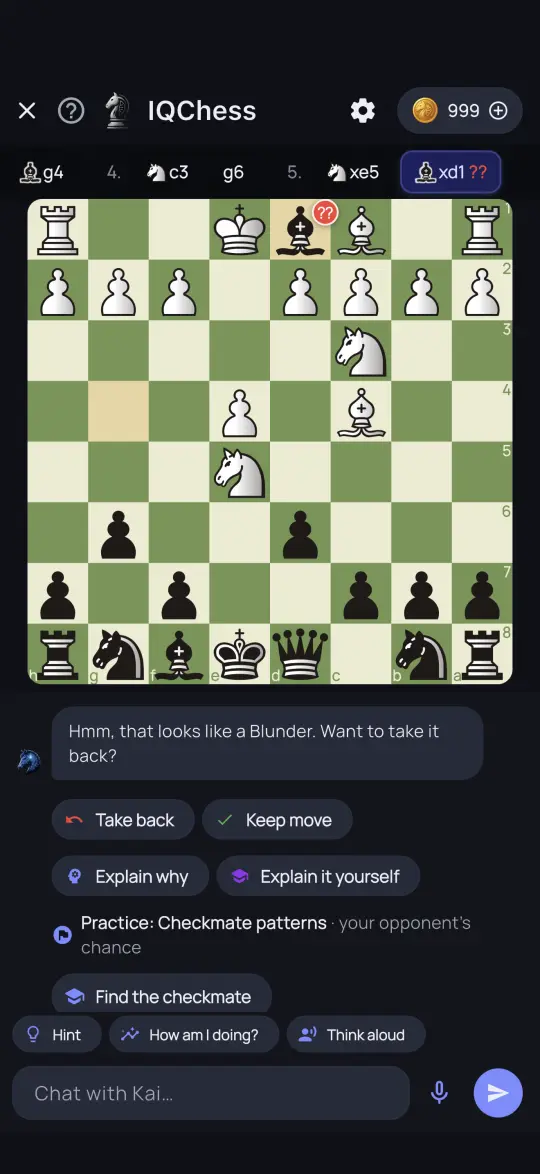
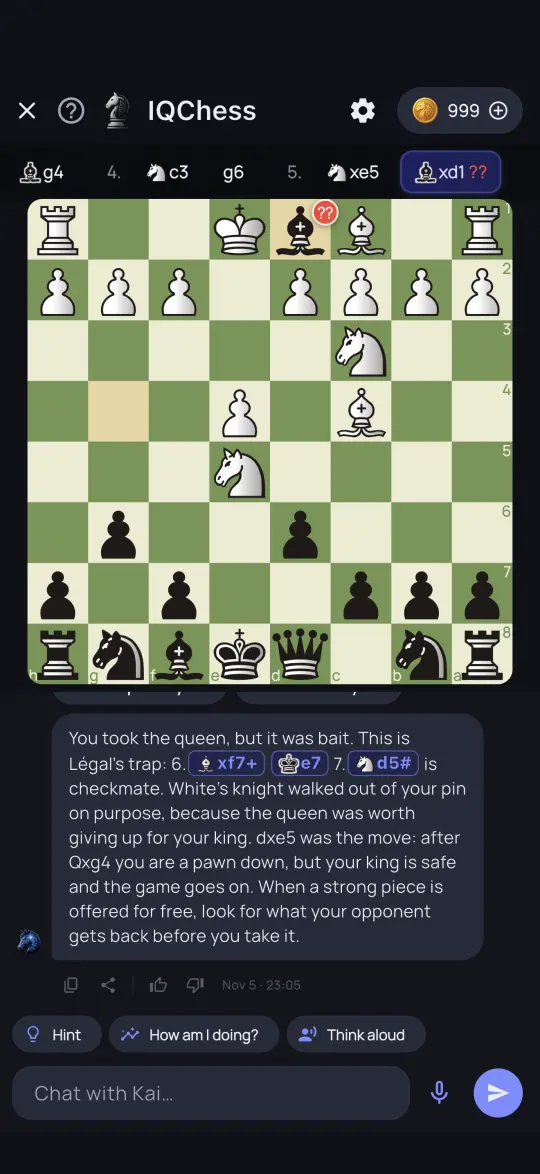
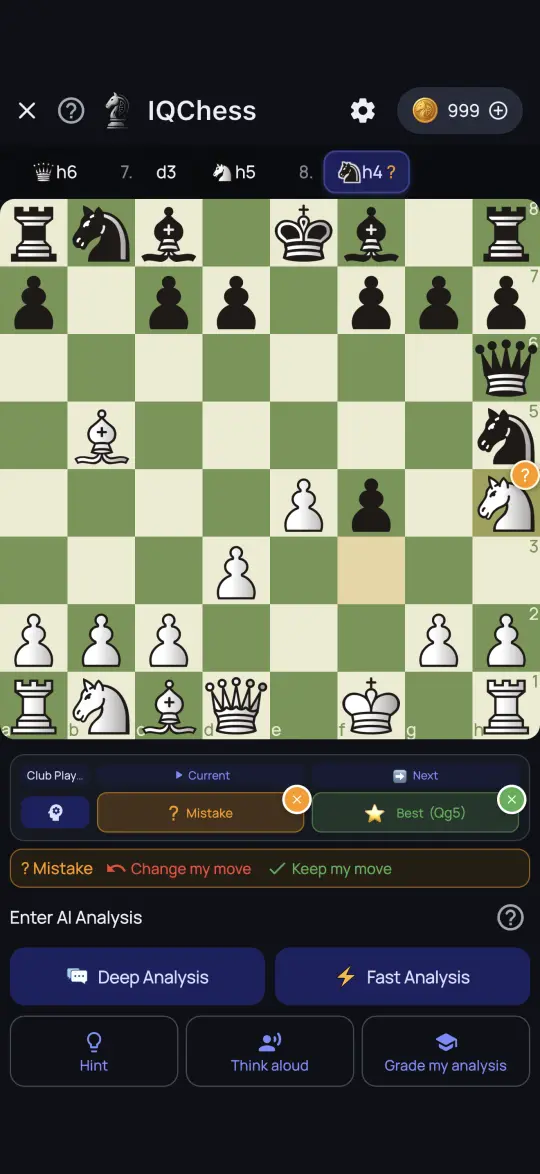
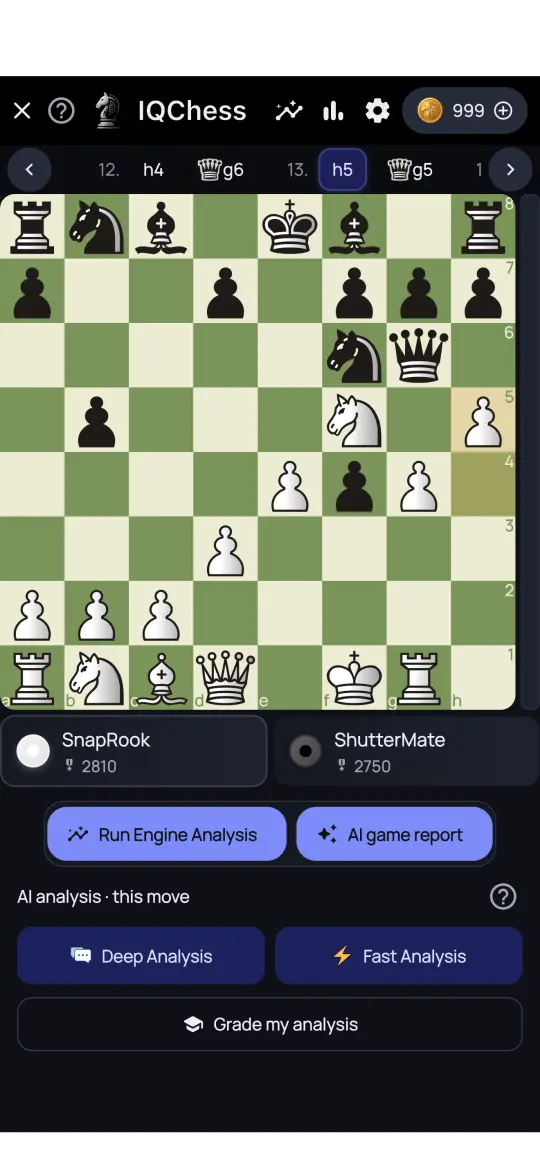
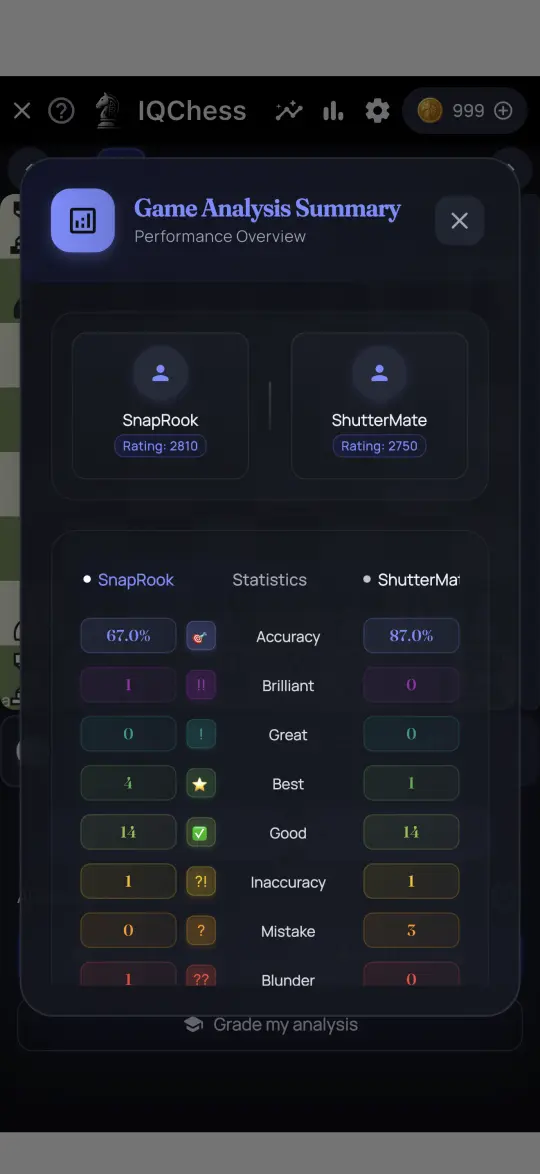
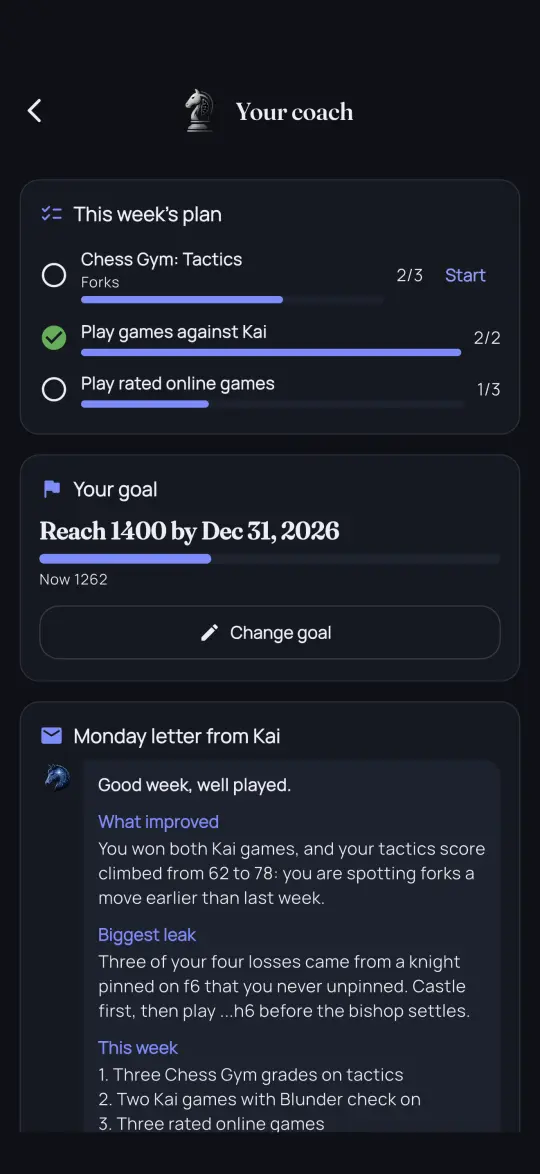
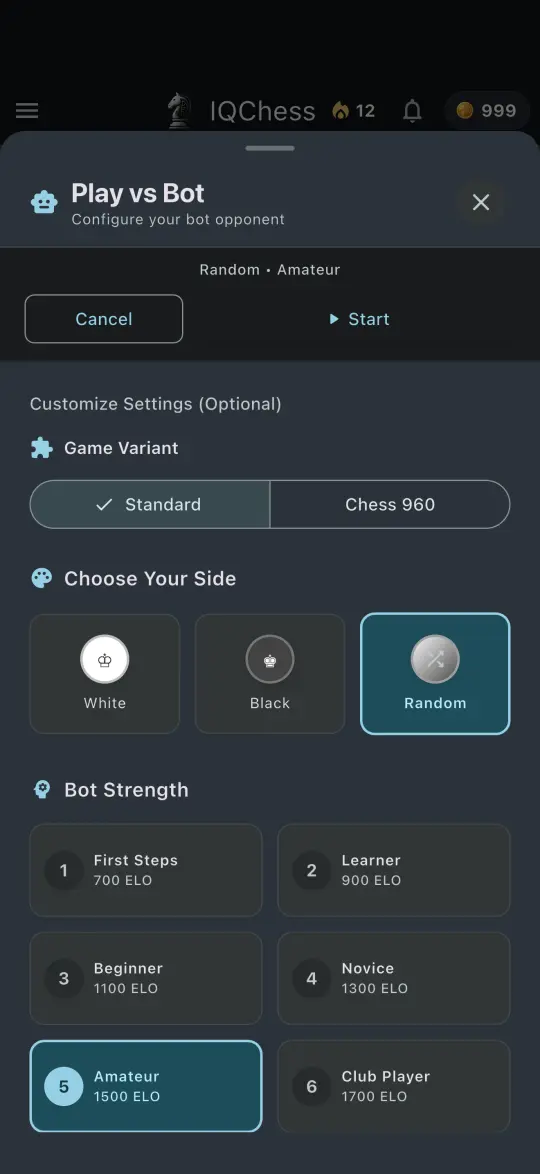
School and club accounts start in kid-safe mode: students only play classmates, the teacher decides whether AI chat is on, students' data is never used to train AI, and young children can use class accounts without an email address.
US$49.99 per student per year (US$29.99 in many countries), minimum 10 seats, or US$6.99 for a seat without AI features. Every school can start with a free 30-day pilot of 10 seats.
Yes. Teachers create class accounts with a username and password, or print a QR card that signs a young child in with one scan. Removing a class account deletes the child's data.
Yes. Kai chat, deep analysis and AI grading are each a switch for the teacher, and kid-safe mode is on by default for schools. Students' games are never used to train AI.
With a class code or link from the teacher. A student with their own email enters the code under Settings in the app and is placed in the class, using a seat the school already holds.
Start with a free 30-day pilot: 10 seats, no card, and it ends by itself.